Tower Rush login & registration
There is no standalone Tower Rush login page. You sign in through a licensed platform and launch the game from its lobby. Here's how to register safely and avoid the phishing pages that target "tower rush login" searches.
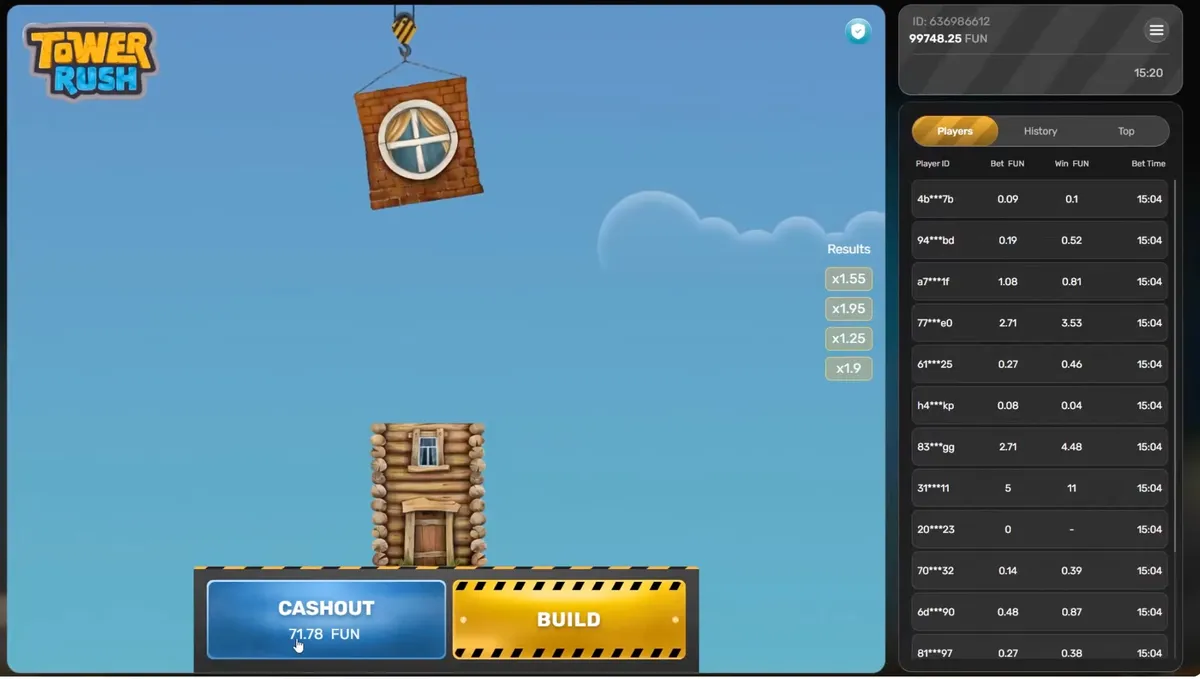
There is no separate game login
Tower Rush does not have its own login or account system. You log in to the licensed operator that carries the game and start it from the lobby. Searches for "tower rush login" often lead to phishing pages that imitate a login screen to steal credentials — there is no official one to find.
Registration, step by step
- 1
Pick a licensed platform
Choose a licensed operator that carries the Galaxsys catalogue. The game is launched from the lobby, not from a separate Tower Rush app.
- 2
Create your account
Register once on that platform with your email or phone. This single account is your login for every game in the lobby, including Tower Rush.
- 3
Verify (KYC)
Complete identity verification early. It is required before withdrawals and prevents your account from being frozen later.
- 4
Add funds or open the demo
Deposit to play for real, or open demo mode to practice first. See registration bonuses if the operator offers a welcome promotion.
- 5
Find the game in the lobby
Search "Tower Rush" or browse the crash / turbo category, then launch it. No extra download is needed for HTML5 play.
New here? See registration bonuses or practice first in demo mode.
Login security
- Sign in only through the operator's official HTTPS address — check the padlock.
- Enable two-factor authentication (2FA) if the platform offers it.
- A real login never requires an APK install or an upfront payment.
Common access problems
- → Game not in the lobby — usually a regional restriction; the operator may not offer Tower Rush in your country.
- → Account frozen — almost always incomplete KYC; finish verification to restore access.
- → Session keeps dropping — open the operator site in a real browser instead of an in-app browser, and check your connection.